
· Lighting & Holiday Decor ·
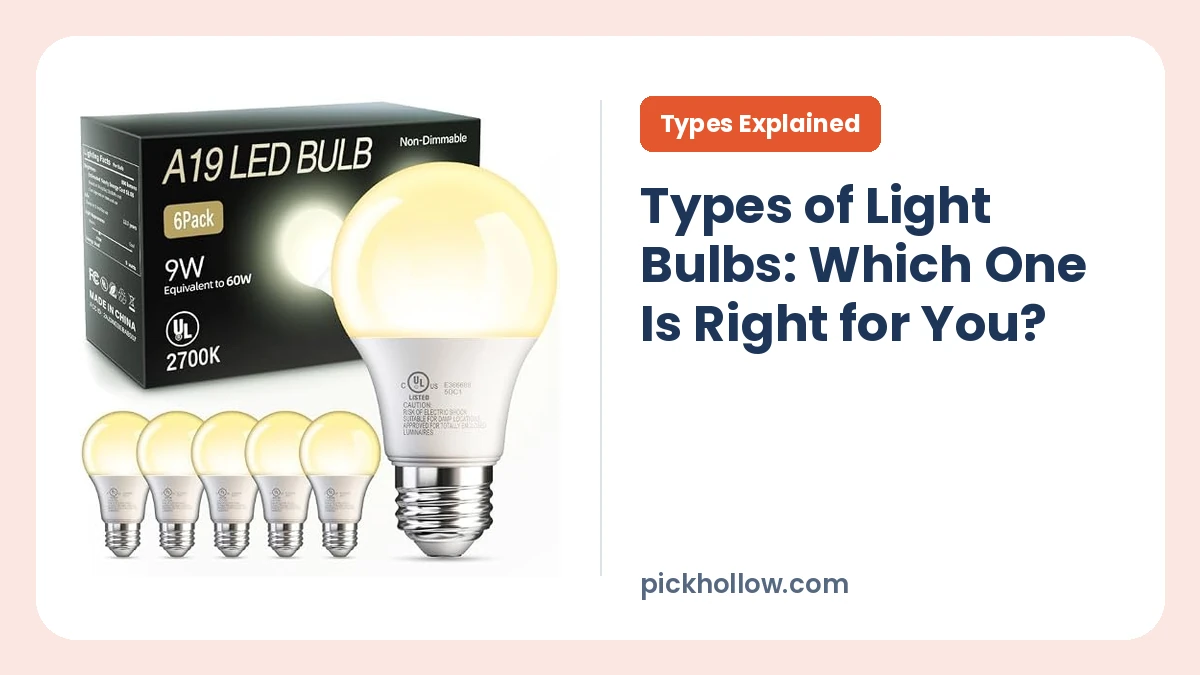
Types of Light Bulbs: Which One Is Right for You?
The main types of light bulbs are LED, incandescent, halogen, CFL, fluorescent tube, and smart bulbs. For most...
Find the right gear for your home and backyard. PickHollow’s buying guides, product roundups, and comparisons help you decide what to look for, from kitchen appliances and air purifiers to smart home devices and outdoor tools.
· Lighting & Holiday Decor ·
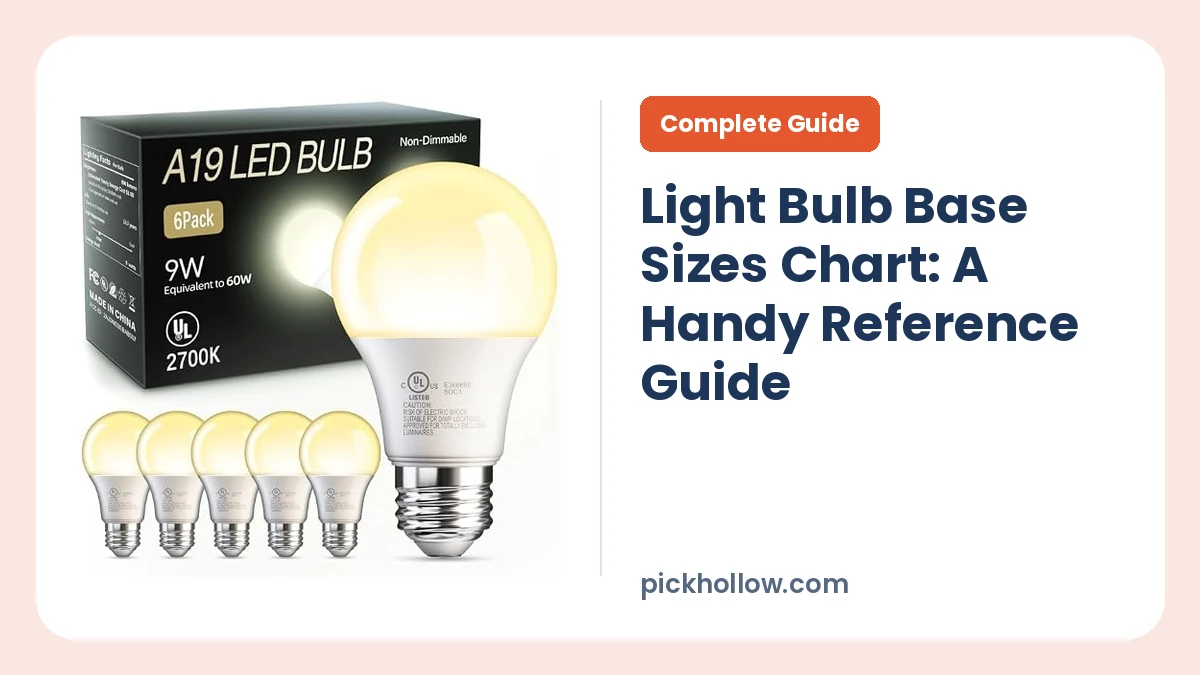
A light bulb base sizes chart makes it much easier to replace a bulb without guessing. The base is the part that connects the bulb to the socket, and it...
Read the article ›A small kitchen can make a bulky appliance more trouble than it’s worth. A router that works well in an apartment may leave a back bedroom with a weak signal in a larger home. And a leaf blower that suits a paved patio may be the wrong tool for a yard full of wet leaves. The right choice starts with the job you need the product to do and the place you’ll use it.
PickHollow publishes buying guides, product roundups, and comparisons for home and kitchen gear, heating and cooling equipment, electronics and smart home devices, and outdoor tools. Use our guides to learn which features matter, check whether a product fits your setup, and narrow your options before you shop.
If you’re replacing something, start with what bothered you about the old one. Maybe your vacuum was awkward on stairs, your fan was too loud at night, or your outdoor lights were difficult to take down each season. A specific complaint gives you a better starting point than a long list of features.
Kitchen gear earns its counter space by solving a problem you have often enough to justify keeping it there. When comparing an air fryer, for example, look at what fits in the basket in a single layer, where the appliance will sit, and how you’ll clean the parts that come into contact with food. If you’re shopping for cookware, start with your cooktop, the meals you make most often, and the weight you’re comfortable lifting when a pan is full.
Our Home & Kitchen guides also cover bedding, furniture, cleaning and laundry gear, and bathroom products. For furniture, measure the space where it will sit and the route it has to take through your home. For a vacuum, think about where the dirt actually collects. A rug under the dining table, pet hair along the baseboards, and carpeted stairs call for different tools and attachments. These details make it easier to compare products that look similar on a listing page.
Start with one room and one problem. A bedroom that feels stuffy at night, a garage that gets cold in winter, and a living room that heats up in the afternoon all call for different decisions. When you compare window and portable air conditioners, look at the window opening, the installation requirements, and how much floor space you can spare. With fans, think about where you want the air to move and whether you’ll use the fan while working, watching TV, or sleeping.
This category includes space, garage, and water heaters, humidifiers, air purifiers, air conditioners, fans, fireplaces, stoves, thermostats, and weatherproofing gear. For an air purifier, compare the room-size guidance and check which replacement filters the model takes. For a humidifier, look at how the tank fills, how easily you can reach inside to clean it, and where you’ll set it down between uses. Thermostat shoppers can start by checking compatibility with their existing heating and cooling system before comparing controls and scheduling features.
When something plugs into the rest of your setup, compatibility can decide the purchase before any other feature matters. If you’re considering smart bulbs, switches, or plugs, check which app, voice assistant, or hub the model supports. For a video doorbell or security camera, compare power options, where recordings are stored, and which features are available with each storage or subscription option. Think about who in your household needs access and how they’ll use it day to day.
PickHollow also covers networking and WiFi, computers and gaming, office and home entertainment equipment, and lighting and holiday decor. If your WiFi works well near the router but drops in one room, map out where the signal gets weak before comparing a new router, an extender, or a mesh system. If you’re choosing a monitor for a home office or gaming desk, look at the available ports on your computer, the depth of your desk, and how much adjustment you need from the stand.
Outdoor gear has to suit the work, the weather, and the space you have to store it. Before comparing lawn tools, think through a typical Saturday in your yard. How far will you work from an outlet? How much time do you spend clearing leaves or trimming edges? Do you already own batteries and chargers from a compatible tool line? Those answers can help you judge whether a corded or cordless tool suits your routine.
Our outdoor guides cover lawn, garden, and snow removal equipment, camping and winter gear, automotive and garage tools, pool and patio products, grills, generators, and batteries. For camping gear, start with how you’ll get to camp. Packed size and weight carry more importance if the equipment has to fit in a backpack. For a patio grill, picture where it will stand, how many people you cook for on a typical weekend, and where you’ll store the cover and accessories. When shopping for a car accessory, check the relevant vehicle dimensions and fit details for your specific model.
Product dimensions tell you how big an item is. You also need room to use it. On a kitchen counter, that might mean space to pull out an air fryer basket without moving the appliance. In a laundry room, check how a door or lid opens next to a wall or shelf. Behind a media cabinet, leave room for plugs and cables as well as the device itself. Look at the setup from the position you’ll stand or sit in when using it. That’s often where a fit problem becomes obvious.
Two products from the same brand can have different ports, mounts, batteries, or accessory requirements. Use the exact model number when checking whether a filter, charger, cable, or mounting bracket fits. For smart home gear, look up the functions you care about, such as voice control or access for another household member. A listing may name a compatible platform without explaining which controls are available through it. For networking gear, check how the product connects to your existing equipment before planning where it will go.
The first setup takes an afternoon. The upkeep is what you’ll live with. Find out whether you can reach the parts that need cleaning, whether filters and attachments are replaceable, and how you’ll store the product between uses. A humidifier you’ll refill often should fit under the tap you plan to use. A seasonal tool should fit in the garage or shed once the job is done. If you’re comparing devices with connected features, check which functions require an account or ongoing subscription.
The useful spec depends on the job. For a fan you’ll run beside your desk, think about how the controls work from your chair and which settings you’re likely to use on a call. For a small kitchen appliance, pay attention to how much food it can handle in a normal batch. For a cordless yard tool, look at the battery and charger included with the specific kit. When two products meet the same needs, details like a removable part, a longer cord, or controls you can reach easily may settle the decision.
A buying guide is a good place to start when you’re new to a product category. It explains the common types, the features that change how you’ll use them, and the questions to answer before building a shortlist. If you’re buying a dehumidifier, for instance, you may want to understand drainage options and where the unit will go before looking at individual models.
A product roundup helps once you know the category and have a few requirements in mind. Read with those requirements beside you. The product that fits a small apartment, for example, may differ from the one that suits a large living room, even when both shoppers are looking for the same type of appliance.
A comparison guide is useful when you’re deciding between two approaches, such as a WiFi extender and a mesh system, or a corded and cordless leaf blower. Our how-to guides cover questions that come up after you bring gear home, from where to place a device to how to clean or store it. You may find the answer you need while you’re still using the gear you already own.
PickHollow uses published specifications, product documentation, and available product information to explain how different options fit different homes and routines. A product comparison may focus on size and cleaning access for kitchen appliances, power and recording options for security cameras, or storage and battery compatibility for outdoor tools. The criteria depend on what can make that product easier or harder to use.
Some links on PickHollow are affiliate links. PickHollow may earn a commission from qualifying purchases made through those links. When you’re ready to buy, check the retailer’s listing for the exact model, configuration, and included accessories. A single product page can offer several bundles with different contents.
Choose the category that matches your problem and open a buying guide. Write down the space you have, how often you’ll use the product, and any compatibility requirements. Use those details to narrow your options before reading a roundup.
Yes. Start with the product you need, then compare its footprint, how it opens or operates, and where it will go when you’re finished. For an appliance that stays on the counter, think about whether you can use it in place. For something you use only occasionally, check that it fits in the cabinet or closet where you plan to keep it.
Yes. Indoor guides cover topics such as cookware, cleaning gear, air conditioners, and smart home devices. Outdoor guides cover lawn and garden tools, camping equipment, patio products, and garage gear. Browse by category or search for the product you’re considering.
Start with a typical day of use. Picture where you’ll set the product, what you’ll do with it, and what happens when you’re finished. Then compare the details that affect those steps, such as setup, access to controls, cleaning, and storage. Check the exact model and included accessories before choosing.